

Description
Product Overview
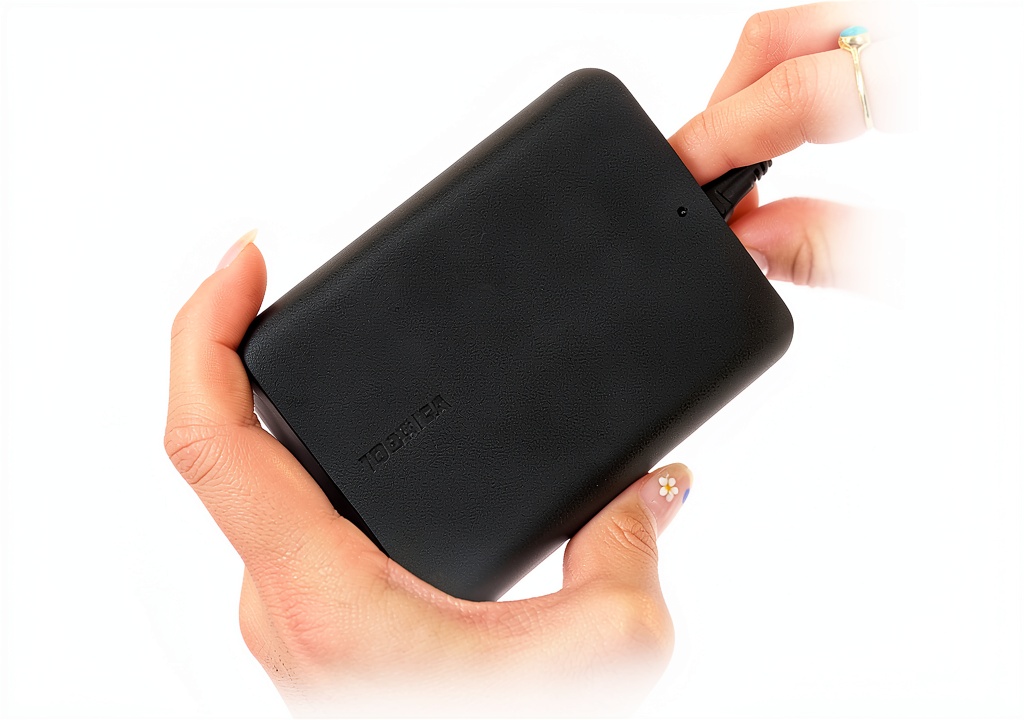
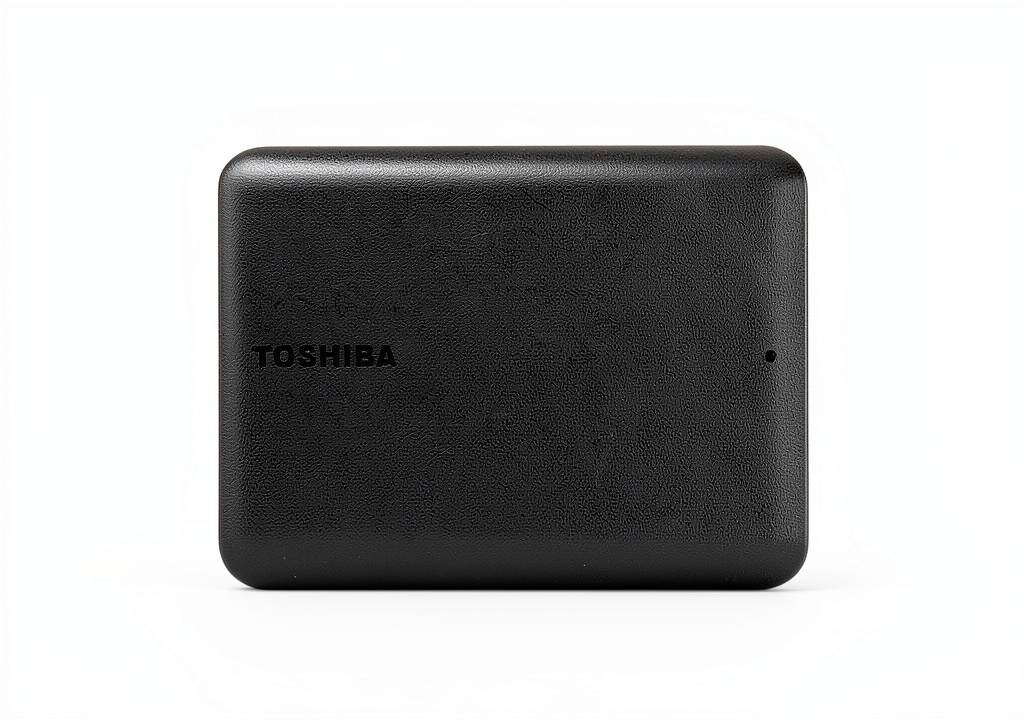
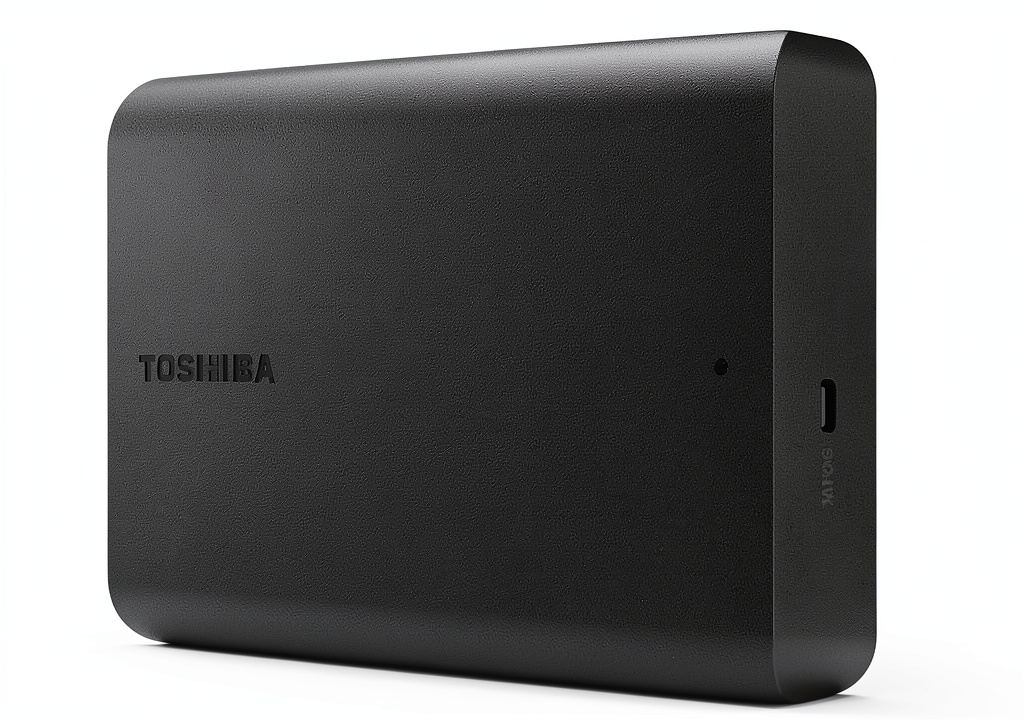
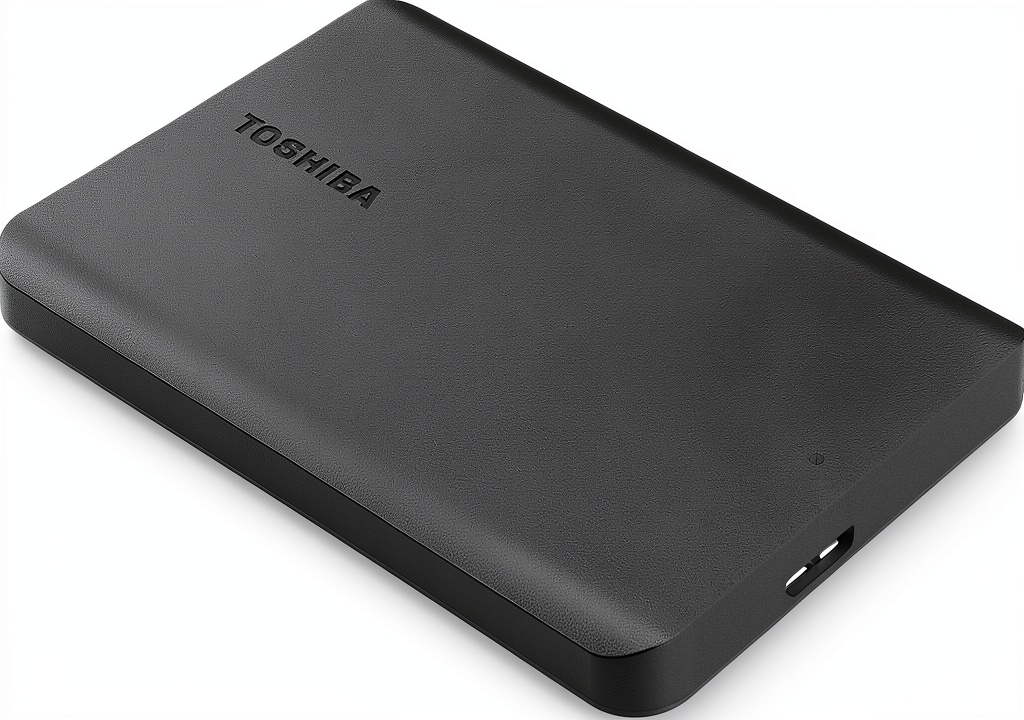
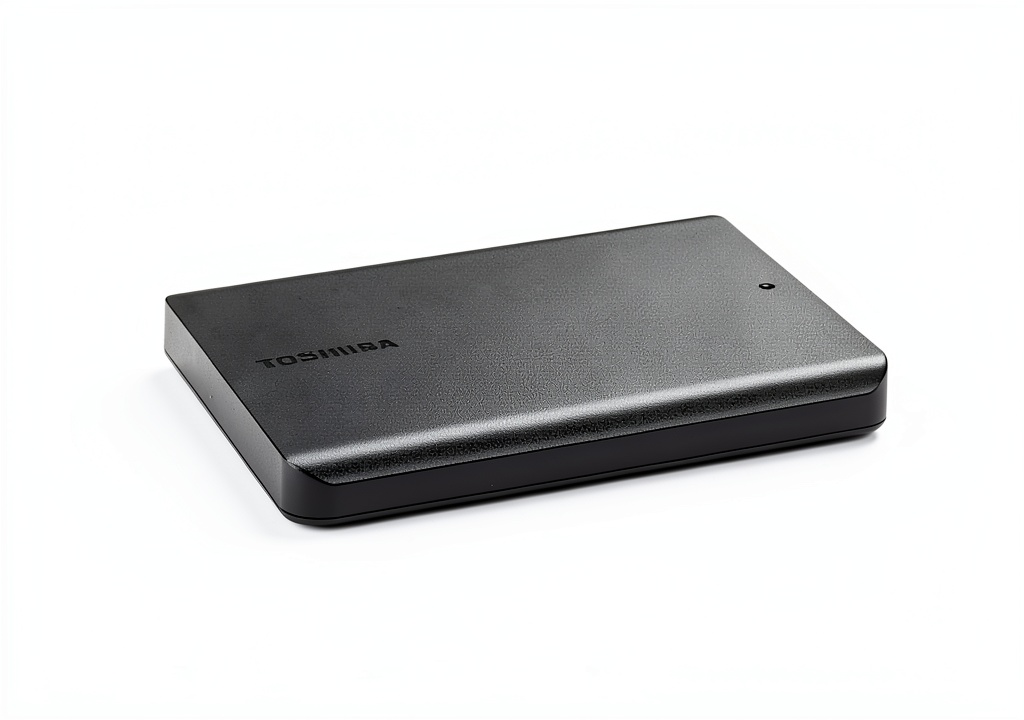
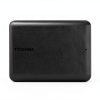
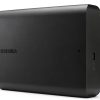
The Toshiba Canvio Basics 1TB external hard drive is engineered to provide a dependable, high‑capacity storage solution for both home and professional environments. Featuring a 1 TB mechanical hard disk that spins at 5400 RPM, the drive balances performance with quiet operation, making it ideal for extended use in quiet office spaces or bedrooms. Its USB 3.0 interface delivers theoretical transfer speeds up to 5 Gbps, while maintaining full backward compatibility with USB 2.0 ports, ensuring seamless connectivity across a wide range of devices. The drive measures a compact 4.3 × 3.1 × 0.55 inches and weighs only 5.3 ounces, allowing it to fit comfortably in a laptop bag or backpack for on‑the‑go data transport. The matte black finish not only adds a professional aesthetic but also resists fingerprints and smudges, keeping the device looking clean even after frequent handling. Pre‑formatted in NTFS for Windows, the drive is ready to use out of the box, though Mac users can reformat it to HFS+ or APFS as needed. With a robust build and a reputation backed by Toshiba’s long history of reliable storage products, this external hard drive offers peace of mind for critical backups, media libraries, and large file transfers.
![[Product front view showing all components]](https://www.zenex.store/wp-content/uploads/2026/06/e07ae0490c014bc790bc21f2c30c5a4f.jpg)
Usage
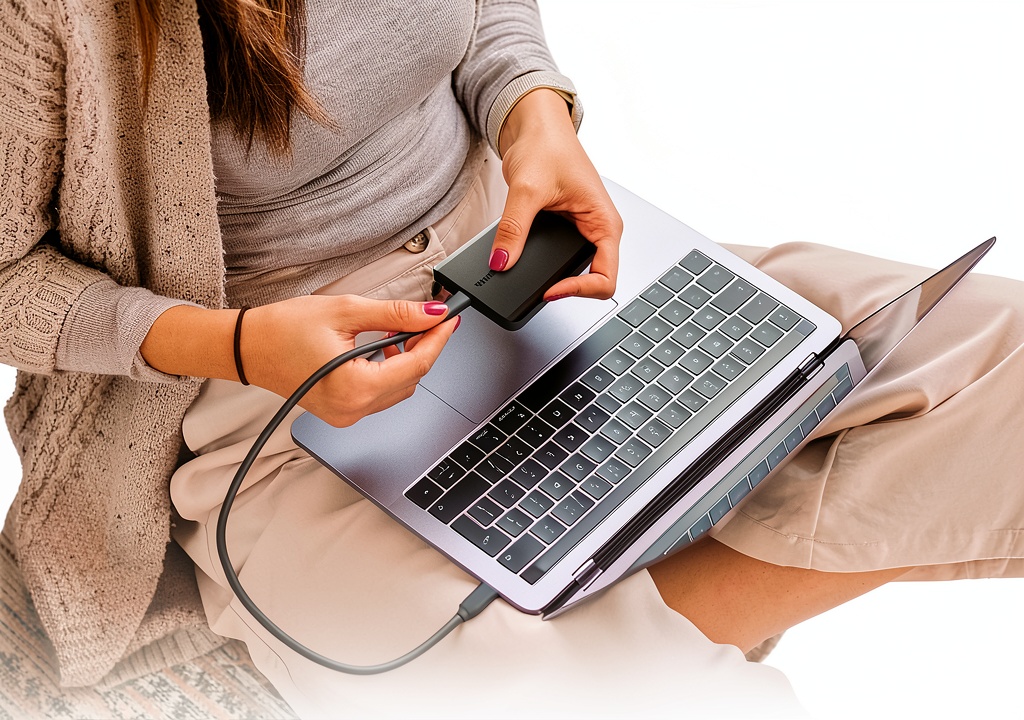
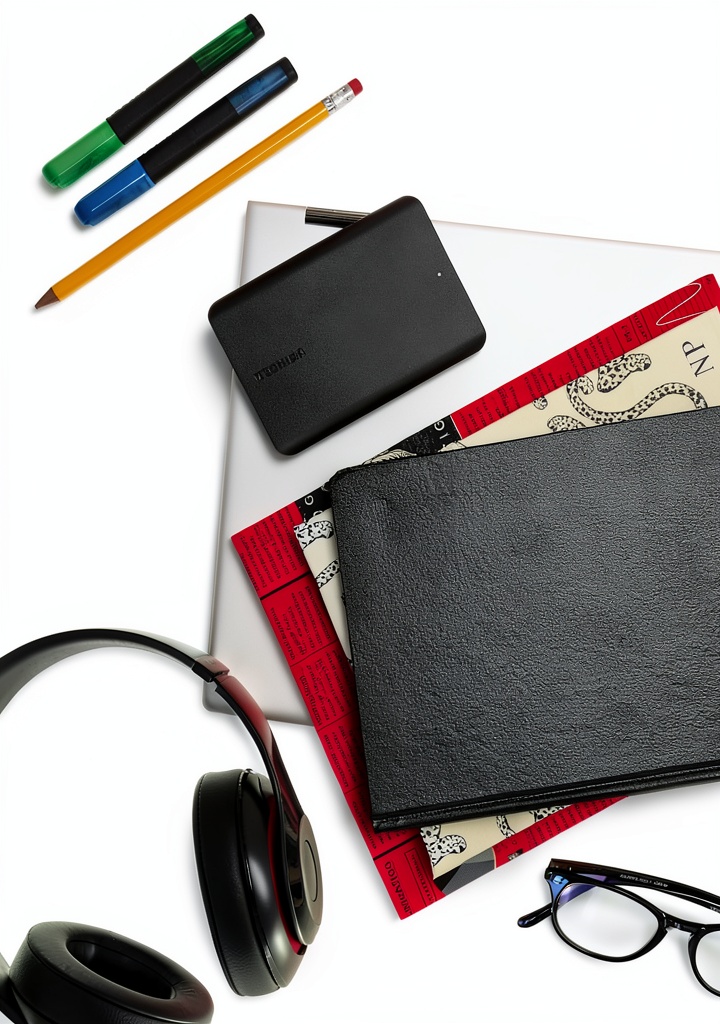
Whether you are a photographer needing to archive high‑resolution images, a video editor working with large 4K footage, a gamer with extensive game libraries, or a remote worker managing important documents, the Canvio Basics 1TB drive adapts to a variety of real‑world scenarios. Its plug‑and‑play nature means you can connect it to a laptop, desktop, or compatible Mac without installing additional drivers, making it perfect for quick data migrations while traveling or during presentations. The drive’s reliable performance also supports continuous backup solutions, such as Windows File History or macOS Time Machine (after reformatting), ensuring that your data is automatically protected without manual intervention. For students and educators, the portable size allows easy transport of coursework, research data, and collaborative project files between campus computers and home setups. Additionally, the lack of an external power adapter simplifies deployment in environments where power outlets are scarce, such as coffee shops, co‑working spaces, or hotel rooms. Overall, the drive’s versatility makes it a go‑to companion for anyone who values fast, secure, and hassle‑free storage.
Why Choose Us
Choosing the Toshiba Canvio Basics means aligning with a brand that has been a cornerstone of the data storage industry for decades. Toshiba’s engineering teams prioritize durability, employing shock‑resistant enclosures and rigorous testing to meet military‑grade standards for drop resistance, which translates into a product that can survive the bumps of daily travel. The company also backs the drive with a limited 1‑year warranty, providing customers with confidence that any manufacturing defects will be addressed promptly. Beyond the hardware, Toshiba offers responsive customer support channels, including live chat, email, and phone assistance, ensuring that users receive timely help for setup, troubleshooting, or warranty claims. The drive’s design reflects a user‑centric approach: the matte black finish reduces visual distractions, while the compact dimensions free up desk space and reduce cable clutter. Moreover, Toshiba’s commitment to sustainability is reflected in the use of recyclable materials and energy‑efficient components, aligning with environmentally conscious purchasing decisions. By selecting this drive, you benefit from a blend of proven reliability, comprehensive support, and thoughtful design that together create a superior storage experience.
Key Features
- 1 TB of high‑capacity storage lets you keep large media collections and backups in one convenient place.
- USB 3.0 interface provides fast data transfer speeds while remaining fully compatible with older USB 2.0 ports.
- Compact matte black design resists fingerprints and fits easily into backpacks, laptop sleeves, or office drawers.
- Plug‑and‑play setup requires no additional software or external power adapter, simplifying use on the go.
- Backed by Toshiba’s 1‑year warranty and dedicated customer support for peace of mind.
FAQ
What operating systems are supported?
The drive works natively with Windows 10, 11, and earlier versions that support USB mass storage. For macOS, the drive arrives pre‑formatted in NTFS, which macOS can read but not write to; you will need to reformat it to APFS or HFS+ using Disk Utility for full read/write capability.
Do I need to format the drive for Mac?
Yes, to enable write access on a Mac you should reformat the drive. The process is straightforward: open Disk Utility, select the drive, choose “Erase,” pick APFS (for newer macOS) or Mac OS Extended (Journaled) for older versions, and confirm. This will erase all data, so be sure to back up any existing files before reformatting.
How fast is the data transfer speed?
When connected to a USB 3.0 port, the drive can achieve transfer rates up to 120 MB/s in real‑world testing, which is sufficient for quickly moving large video files, photo libraries, and game installations. On a USB 2.0 port, speeds will be limited to around 30‑40 MB/s, still acceptable for routine backups and document transfers.
Is there a warranty or after‑sales support?
Yes, Toshiba provides a limited 1‑year warranty covering manufacturing defects. If you encounter any issues within this period, you can contact Toshiba’s support team via phone, email, or live chat. They will guide you through troubleshooting steps, arrange a replacement if necessary, and help you with any warranty claim paperwork.
Reviews
There are no reviews yet.